
マイクロSDにデータを保存
ender-3proの起動
Save data to micro SD
Launch ender-3pro
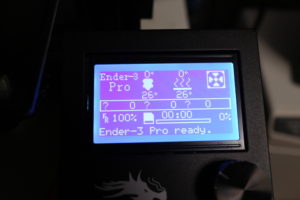
sdから読み込み
印刷拡張子は、.gcode がそのデータに当たる。
これには、スライスの手順とプリンターの設定値や温度設定
クールダウン時間なども含む。
印刷時には、問題なければ go homeは必要ない。
フィラメントは環境由来という事で湿度などに影響するかと思いカバーを証着している。
read from sd
The print extension is .gcode.
This includes slicing procedures and printer settings and temperature settings.
Including cool down time.
When printing, 問題 go home is not necessary if there is no problem.
We believe that the filament affects the humidity etc. because it is derived from the environment, and proves the cover.
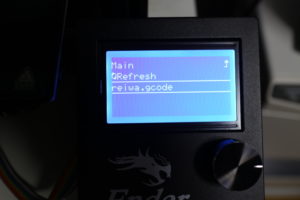
データを選択。
ベットを温めているぜと
Select data.
I’m warming my bed
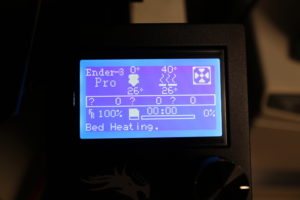
上昇している。
問題なし。表示と大差違いは無い。
It is rising.
no problem. There is no big difference from the display.

印刷を開始した。
イニシャライズの確認。
途中で止めてフィラメントの台座を、ガラスに定着しているか確認。
全く問題ない。
ペットのりなども使用していない。
ベット温度は、45度
積層の精度を確認
理想の状態です。
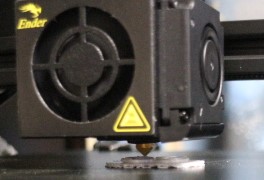
Printing started.
Confirmation of initialization.
Stop it halfway and check if the filament pedestal is fixed on the glass.
No problem at all.
No pet glue is used.
Bed temperature is 45 degrees
Check the accuracy of lamination
It is an ideal state.
作業音
容量 11mg
Work sound
Capacity 11mg
はじめだけ感じるがその後は静か
完成
Feel only at the beginning, but then quiet
Complete
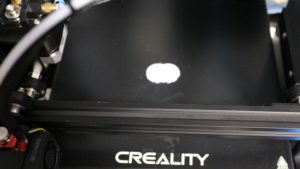
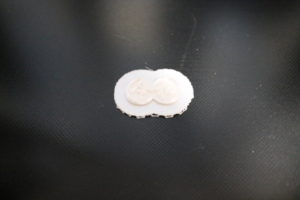
クールダウンを確認
Check cool down
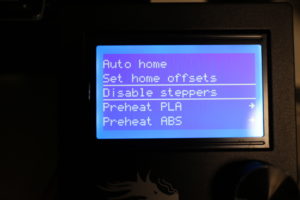
ベットを手動にする。
Place bets manually.
ちょっとヘラを充てると取れました。
精度を確認
13.0mmで作成したので誤差0.00です。
A little spatula was removed.
Check accuracy
The error is 0.00 because it was created with 13.0mm.
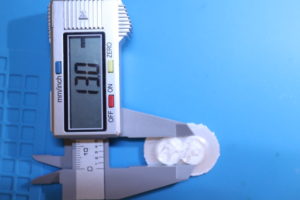
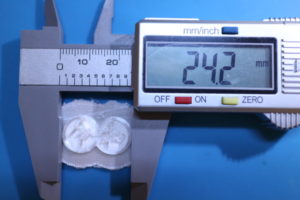
24.2mmで作成したので誤差0.00です。
The error is 0.00 because it was created with 24.2mm.
剥離前の台座
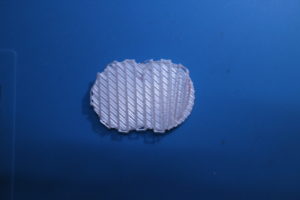
Pedestal before peeling
剥離後
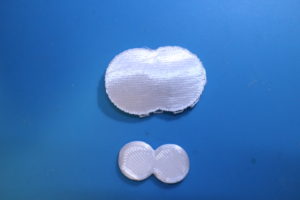
After peeling
作成本体
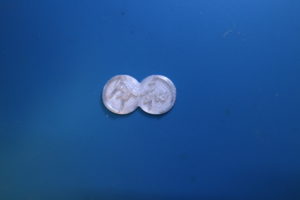
Creation body
はじめとしては、完ぺきだった。