ダウンロードはここ
https://www.gimp.org/downloads/
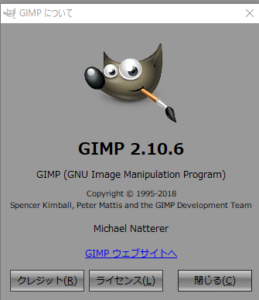
とりあえず、インストールしましたが、ちょっと問題発生かも
結局の所、以前にインストールしたGIMPをまず削除
次に、インストールすることによって初期化がうまくいきました。
何も考えず、そのままインストールすると、起動のプロファイルを読まないようですね。
プロファイルの場所を規定外にあれば上記の方法が良さそうです。
https://www.gimp.org/news/2018/08/19/gimp-2-10-6-released/
Anyway, I have installed, be a little problem occurred
After all, delete the previously installed GIMP first
Next, initialization succeeded by installing.
If you do not think about anything and install it as it is, it does not seem to read the launch profile.
If the location of the profile is outside regulation, the above method seems to be good.
消えてしまったウィンドウの表示方法
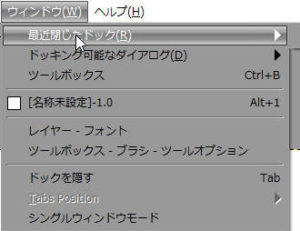
How to display the disappeared window
結構表示がなくなるため
アジア圏で非常に良いこと。
縦文字が操作できること。 これは本当に助かります。
Because there is no display quite enough
Very good things in the Asian region.
Be able to handle vertical characters. This is really helpful.
まず文字入力
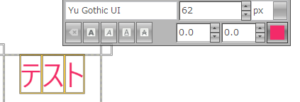
First letter input
そして右クリック
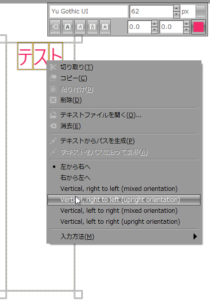
Then right click
縦と右に揃える。
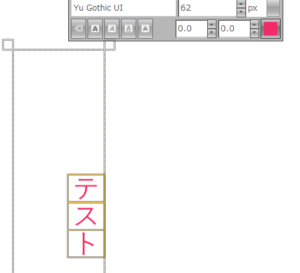
Align vertically and right.
おお!
さすがっす。
Oh!
As expected.
対応ありがとうございます。
Thank you for your response.
良いものには、寄付ですね。
https://www.gimp.org/donating/