
立方体を追加!
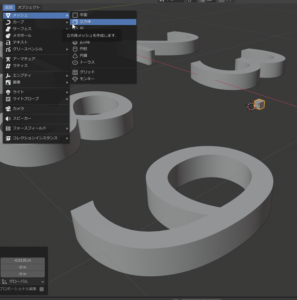
Add a cube!
オブジェクトを編集モードへ
押し出し領域

Put object in edit mode
Extruded area
これで、オブジェクトを何を使って変化させるかという事で
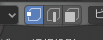
Now, what is used to change the object
左から、
頂点
辺
面
From the left,
vertex
Side
surface
今回は、面なので面を選択
次に押し出す面を選択
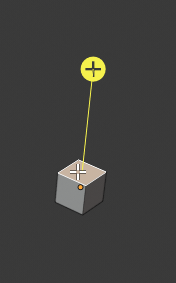
This time, select the surface because it is a surface
Select next face to extrude
マウスでその + を選択
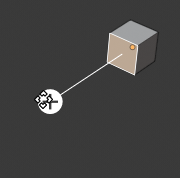
Select that + with the mouse
入力も可能

Input is also possible
