
選択で裏面も選択したい場合がほとんど
(^^>
その方法 昔の、Limit Selection
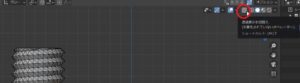
今は、アイコンを覚えるか ALT+Z
とりあえず、結局はアイコン覚えたほうが良いので
見ればわかるって事
クリック前は、裏面の頂点見えず
In most cases you want to select the back side as well
(^^>
The old way, Limit Selection
Now, remember the icon or ALT + Z
For the time being, it’s better to remember the icons
You can see if you look
Before clicking, the top of the back is not visible
クリック後は、裏面の頂点が見えている。
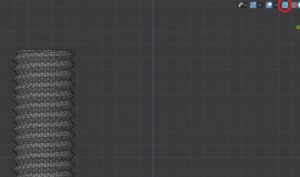
After clicking, the vertex on the back is visible.
後は、どちらかの表示で選択すればOK
After that, if you select in either display OK